Educator workflow
PDF to video is easiest when the lesson already exists
Teachers and course creators do not need more blank tools. They need a faster way to turn existing materials into formats students will actually revisit.
Start with the lesson artifact you already trust
Good lesson PDFs already contain sequencing, examples, and learning objectives. That makes them strong candidates for video conversion because the teaching logic is already there, even if the format is static.
This is especially true for slide exports, workbooks, and classroom handouts that have been refined across multiple cohorts. The best video source is usually not a fresh draft. It is the material that has already survived real teaching use.
Translate the lesson into scenes, not just slides
The point of the video is not to read the PDF aloud. A better workflow turns each major teaching step into a scene with pacing, narration, and emphasis that helps the learner stay oriented.
That usually means combining related pages, separating dense pages into smaller sequences, and adding visual rhythm around the moments where students typically get stuck.
- Open with the lesson outcome so the student knows what they will learn.
- Chunk the content into one concept per scene whenever possible.
- Highlight examples, formulas, or diagrams as the narration reaches them.
Use video to increase reuse and accessibility
The point of the video is not to replace the PDF. It is to make the material easier to revisit, share, and embed in a broader teaching workflow. Students who would not re-read a handout often will replay a short lesson clip.
Video also creates more flexible delivery. It can support flipped classrooms, revision modules, asynchronous learning, or supplementary explanations for students who need the concept presented another way.
Keep the explanation accessible
When the topic is complex, clarity and pacing matter more than flashy visuals. Educational templates usually outperform cinematic ones for this audience because they create a calmer, more instructional experience.
Strong educational video is measured by whether the learner understands the material after watching, not by whether the edit feels elaborate. The format should reduce friction, not add it.
How Blog2Video handles this
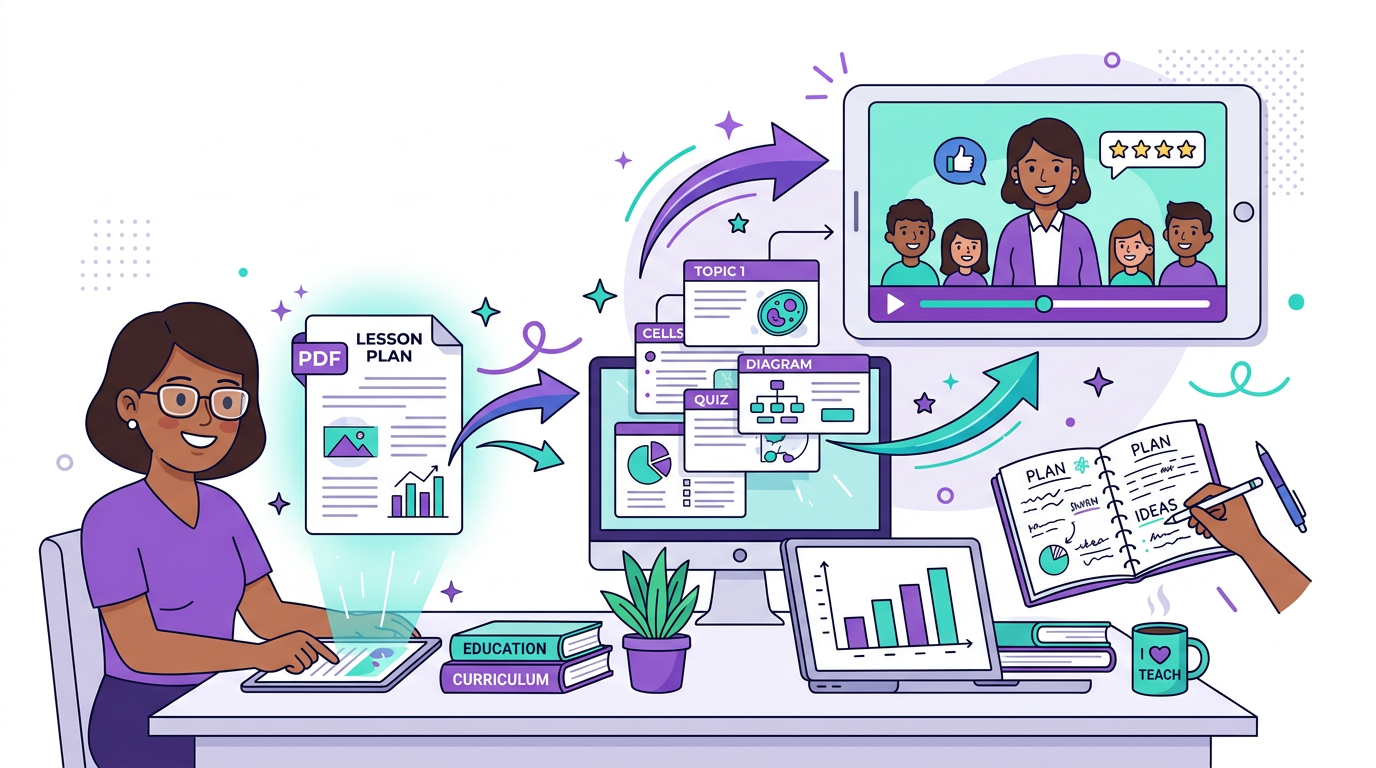
1. Upload your PDF or DOCX — Blog2Video parses the document structure, headings, and content blocks into an organized scene outline.
2. Pick a clean template — Whiteboard is ideal for educational content: calm pacing, clear visuals, and a layout that prioritizes comprehension over flash.
3. Generate and share — Get a narrated walkthrough video your students can watch asynchronously, embed in your LMS, or share as a revision resource.
Frequently Asked Questions
Who is this guide for around PDF to video for educators?
It is designed for written-first creators and teams who already have source material and want a repeatable path into video rather than a prompt-only workflow.
Does this help with reusing lesson material?
Yes. Each article is written to help you turn one content asset into multiple formats while keeping the original message intact.