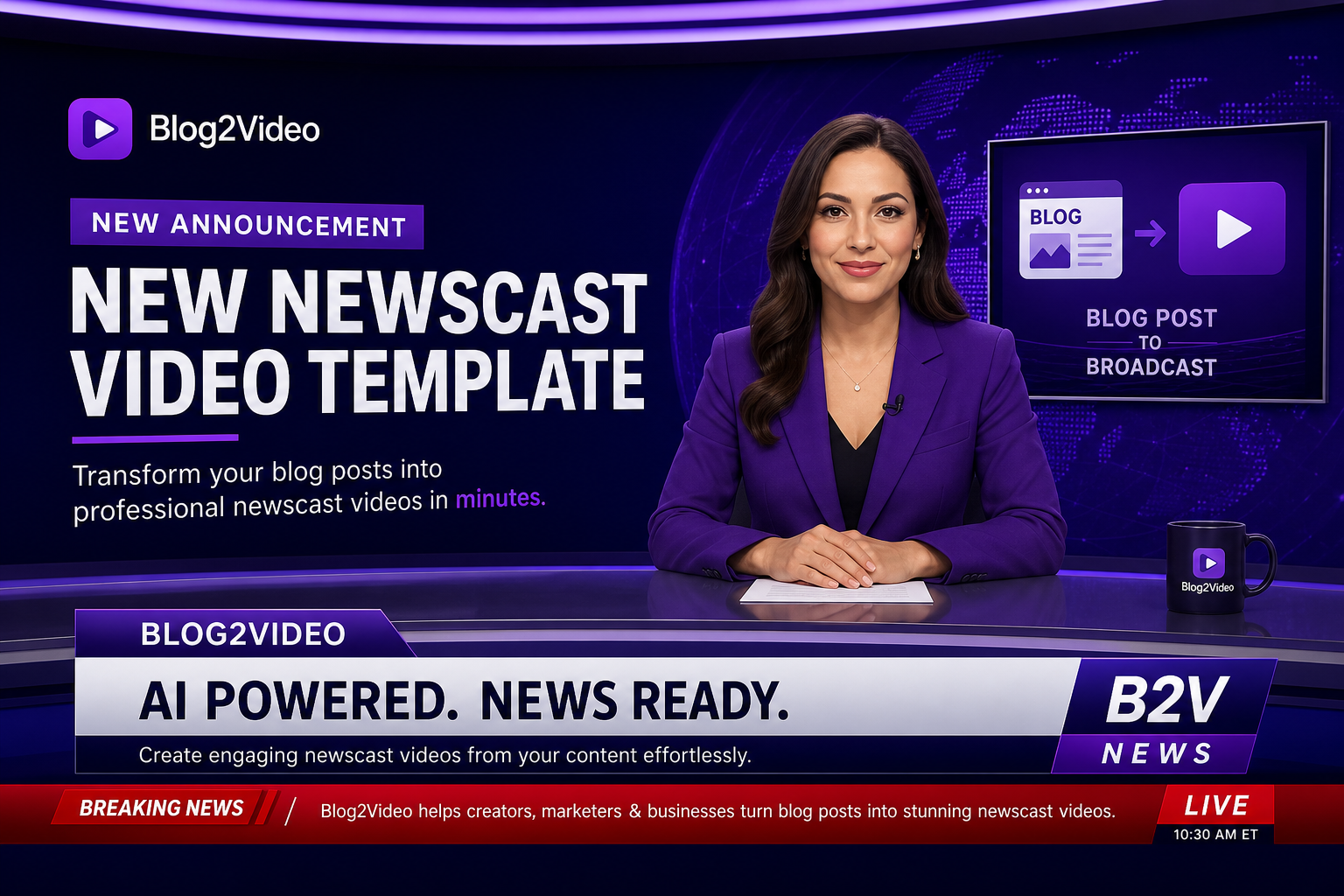
New Template — April 2026
Your briefings, roundups, and updates now look like broadcast television.
The new Newscast template gives Blog2Video users a broadcast news visual system — deep navy fields, crimson accents, on-air chrome, ticker bars, and eleven purpose-built scene layouts. Turn any article into a segment that sounds and looks like it belongs on a news desk.
Why a broadcast template is different from a news editorial template
Blog2Video already offered the Newspaper template — an editorial format inspired by print newsrooms, with serif headlines, drop caps, and paper textures. Newscast is a different medium entirely. It is designed for broadcast television: the visual language of an on-air news desk, not a printed front page.
Where Newspaper feels like an article come to life, Newscast feels like a live segment. The deep navy background, crimson accent bars, steel typography, glass-panel overlays, persistent ticker, and lower third chrome are all elements borrowed directly from broadcast design conventions. The result is a template that makes your content feel like it is being reported rather than published.
That distinction matters depending on what you are producing. Briefings, weekly roundups, regulatory updates, policy explainers, and fast-moving story summaries all benefit from the sense of authority and urgency that broadcast framing adds. Newscast is built specifically for that content type.
Eleven layouts built for broadcast content structure
The Newscast template includes eleven purpose-built scene layouts, each designed to handle a specific role in a broadcast-style video. Together they cover the full arc of a news segment: opening, anchor narrative, data-backed reporting, field imagery, side-by-side briefings, and closing.
The Opening layout establishes the broadcast frame with the segment title, channel identity, and full on-air chrome. Anchor Narrative provides the primary body layout for voiceover-driven storytelling. Live Metrics Board handles data-heavy scenes with animated metric cards in a broadcast-friendly format. Briefing Code Panel covers technical content with a dark terminal aesthetic inside the broadcast frame.
Headline Insight, Story Stack, Side-by-Side Brief, Segment Break, and Field Image Focus handle mid-segment variety. The Data Visualization layout renders charts and graphs inside the broadcast visual system. Ending Socials closes the segment with a branded call to action.
- Opening: segment title and broadcast chrome to establish the on-air frame
- Anchor Narrative: primary voiceover body layout for factual storytelling
- Live Metrics Board: animated data cards in a broadcast grid format
- Briefing Code Panel: technical content with dark terminal aesthetics
- Headline Insight: pull-quote style scene for key findings and conclusions
- Story Stack: multi-item story structure for roundups and briefings
- Side-by-Side Brief: two-column comparison for before/after or dual-perspective content
- Segment Break: transition card between major story segments
- Field Image Focus: full-bleed image plate with lower-third caption overlay
- Data Visualization: charts and metrics rendered inside the broadcast frame
- Ending Socials: branded segment close with social handles and CTA
What content works best with Newscast
The Newscast template is strongest when the content is fact-first, authoritative, and structured around a clear narrative arc. Weekly industry briefings are the clearest fit — the broadcast frame naturally serializes recurring content into something that feels like a regular segment rather than a one-off publication.
Policy and regulatory explainers benefit from the broadcast authority cues: the chrome, the ticker, and the lower-third framing signal to viewers that this content is serious and researched. Crisis or fast-moving story updates work well because the visual system creates a sense of urgency without the content needing to be sensationalist.
Data-backed segments — market summaries, performance roundups, industry metrics — fit naturally into the Live Metrics Board and Data Visualization layouts. The broadcast frame elevates data presentation beyond a standard slide deck or infographic.
- Weekly briefings and industry roundups
- Policy, regulatory, and compliance explainers
- Fast-moving story summaries and crisis updates
- Data-backed segments: markets, metrics, and performance summaries
- Editorial voiceovers that need a broadcast tone of authority
How to use the Newscast template in Blog2Video
Select Newscast from the template picker when starting a new video project, or switch to it in the scene editor after generating with a different template. Blog2Video automatically maps your article's structure to the appropriate Newscast layouts — opening scene for the intro, Anchor Narrative for body sections, Live Metrics Board for data paragraphs, and Ending Socials for the conclusion.
You can override individual scene layouts from within the scene editor if you prefer a different layout for a specific section. The Newscast template is also compatible with custom brand templates — your brand colors and logo replace the default crimson-navy palette while the broadcast layout structure stays intact.
Frequently Asked Questions
How is Newscast different from the Newspaper template?
Newspaper is inspired by print editorial design — serif fonts, drop caps, paper textures, and static layouts that feel like a published article. Newscast is a broadcast television format — deep navy, crimson accents, ticker bars, lower thirds, and glass panel chrome. Newspaper feels like reading. Newscast feels like watching.
Can I use a custom brand color palette with the Newscast template?
Yes. If you have a custom brand template set up in Blog2Video, your brand colors replace the default Newscast crimson-navy palette. The layout structure, ticker, and lower-third chrome remain, but the color system adapts to your brand kit.
What types of articles work best with Newscast?
Briefings, roundups, regulatory explainers, fast-moving story summaries, and data-backed segments. If your article is fact-first, authoritative, and structured around a clear narrative arc, Newscast is the right fit.
Does Newscast support the ticker and lower third on every layout?
Yes. The ticker bar and lower-third chrome are persistent across all eleven Newscast layouts. They are part of the broadcast identity system that runs through every scene in the video.
Can I switch from Newscast to another template after generating?
Yes. You can switch templates at any time in the scene editor without losing your content or scene edits. The same article content renders in a different visual system when you switch templates.