Editing how-to
Use an AI scene editor when the draft is close but not quite publishable
The best reason to use AI scene editing is not to start over. It is to keep what already works, fix what does not, and improve the draft without losing momentum.
Know what should trigger a scene edit
Scene editing is most useful when the draft already has the right idea but the execution needs work. Maybe the pacing is uneven, the emphasis lands on the wrong detail, or a section feels too generic compared with the source material.
In those cases, editing one scene is far more efficient than regenerating the whole project.
Edit for one outcome at a time
The easiest way to improve a scene is to decide what kind of fix it needs: tighter pacing, clearer visuals, better proof, or stronger emphasis. Mixing all goals at once usually creates noisy revisions.
Small, intentional edits tend to preserve the strengths of the first draft while removing the parts that make it feel generic.
- Shorten scenes that repeat information the viewer already understands.
- Add proof when a section feels vague or overly abstract.
- Swap scene order if the strongest insight is buried too late.
Use editing to preserve source fidelity
For content-first workflows, the most important use of scene editing is preserving the original material. If a draft drifts too far from the article, document, or deck, the editor gives you a way to steer it back without starting from zero.
That is especially useful for technical, educational, or product-led content where specifics matter.
Treat the editor as part of a programmatic workflow
In a repeatable video system, editing is not a sign the workflow failed. It is the final quality-control layer. Templates and structure create scale, and scene editing protects quality as you scale.
That combination is what makes programmatic video generation practical for real content libraries rather than just one-off demos.
How Blog2Video handles this
1. Generate a draft video — Start from a URL, document, or paste. Blog2Video builds a scene outline from the source content.
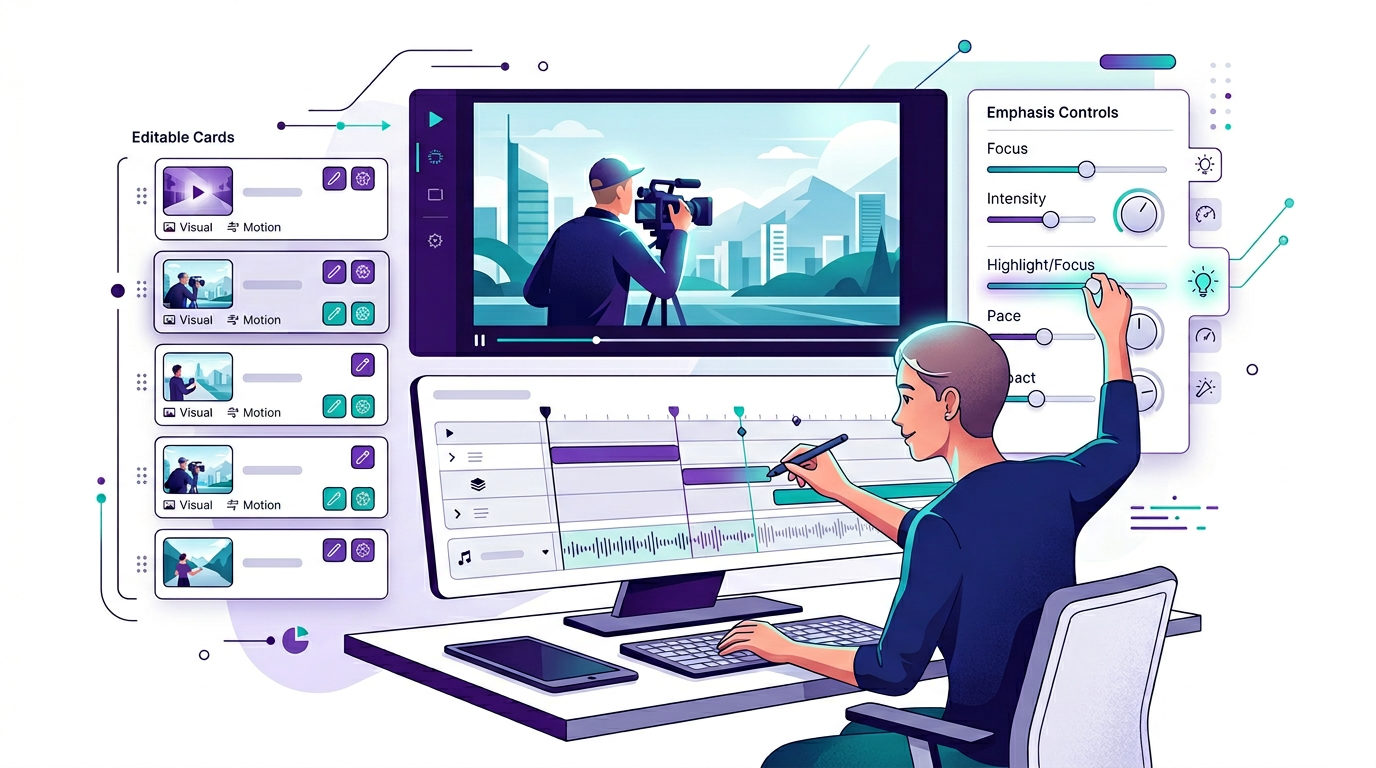
2. Open the scene editor — Click into any scene to adjust its narration, visual description, display text, or pacing. Edit one scene without rebuilding the rest.
3. Re-render selectively — Change only what needs changing. The editor gives you editorial control inside a programmatic pipeline.
Frequently Asked Questions
Who is this guide for around AI scene editor?
It is designed for written-first creators and teams who already have source material and want a repeatable path into video rather than a prompt-only workflow.
Does this help with refining scene structure after generation?
Yes. Each article is written to help you turn one content asset into multiple formats while keeping the original message intact.