Documentation guide
Good docs should power onboarding video, not live in a separate silo
If the docs already explain the product clearly, the next step is packaging that clarity in a format more users will consume.
Documentation is already structured learning content
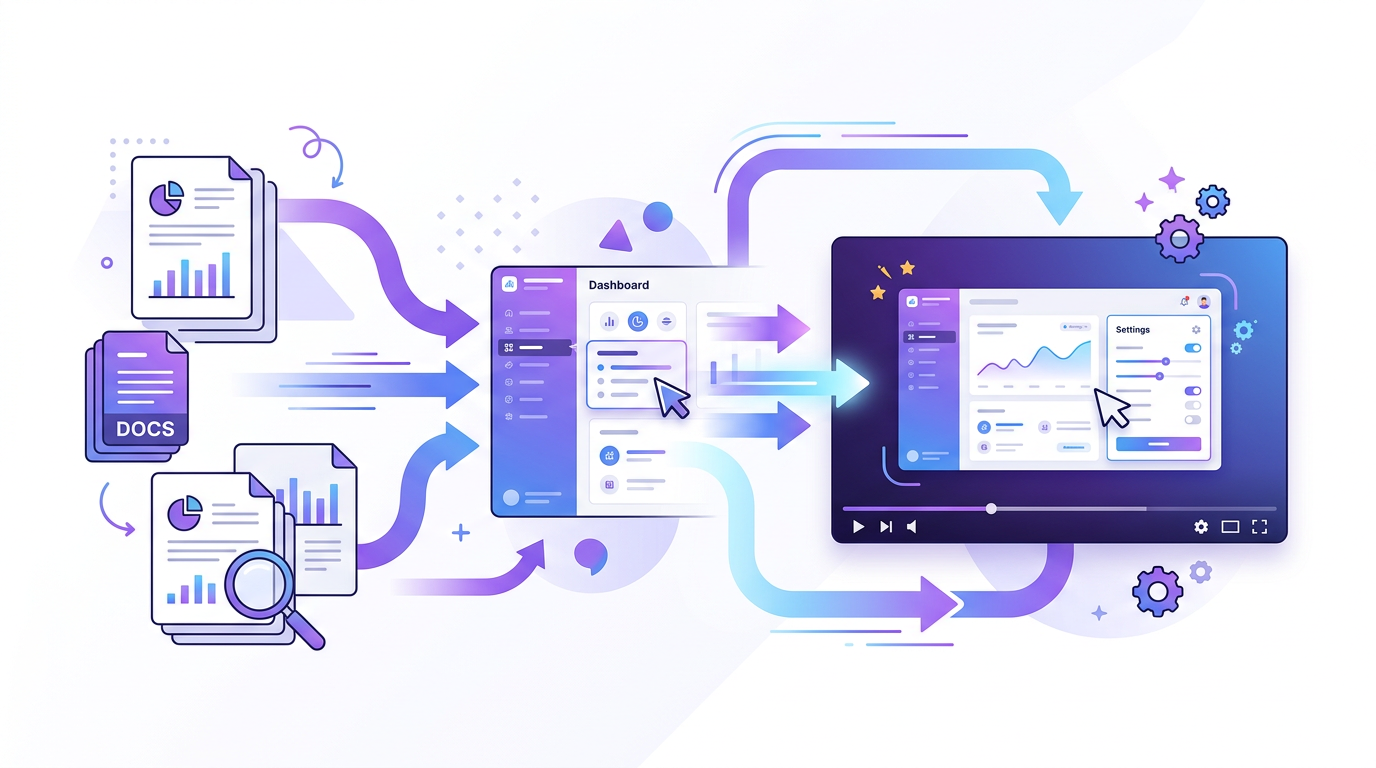
That is what makes it such a good source for walkthrough video. The logic already exists. The task is translating it, not reinventing it. Product documentation is often more valuable than a fresh script because it has already been forced to answer real user questions clearly.
When teams ignore this, they end up producing flashy onboarding videos that sound nice but skip the exact details users need. Docs-first video avoids that trap by starting from the most precise source available.
Turn doc sections into product moments
A walkthrough works best when each scene corresponds to one real action, screen, or outcome. That usually maps cleanly to documentation sections like setup, configuration, first success, and troubleshooting.
Instead of narrating the whole document linearly, identify the steps a new user actually needs to see. Then use the documentation to supply the language, cautions, and context around those moments.
- Map each heading to one concrete in-product task.
- Use screenshots or UI recordings that match the docs exactly.
- Keep warnings, prerequisites, and edge cases visible when they matter.
The walkthrough should respect the docs
Users trust documentation when it is precise. The video should inherit that precision rather than replacing it with generic promotional language. If the docs are careful and the video is vague, the brand loses credibility.
This is especially important for onboarding, APIs, configuration, and implementation content where a small omission can create confusion or support load.
Use docs-driven video where onboarding friction is high
Support, implementation, and product education all benefit when the same source material can be delivered in more than one format. A well-made walkthrough can reduce time-to-value while also making the docs easier to approach.
The long-term win is operational. One source of truth can feed the help center, customer education, onboarding email sequences, and embedded product guidance.
How Blog2Video handles this
1. Paste or upload your docs — Blog2Video reads documentation pages or DOCX files and maps headings and steps into a structured scene outline.
2. Choose an instructional template — Whiteboard keeps the pacing calm and instructional, which is exactly what product walkthroughs need.
3. Generate and embed — Get a narrated walkthrough you can drop into your help center, onboarding flow, or knowledge base.
Frequently Asked Questions
Who is this guide for around documentation to walkthrough video?
It is designed for written-first creators and teams who already have source material and want a repeatable path into video rather than a prompt-only workflow.
Does this help with product education and onboarding?
Yes. Each article is written to help you turn one content asset into multiple formats while keeping the original message intact.