Technical feature
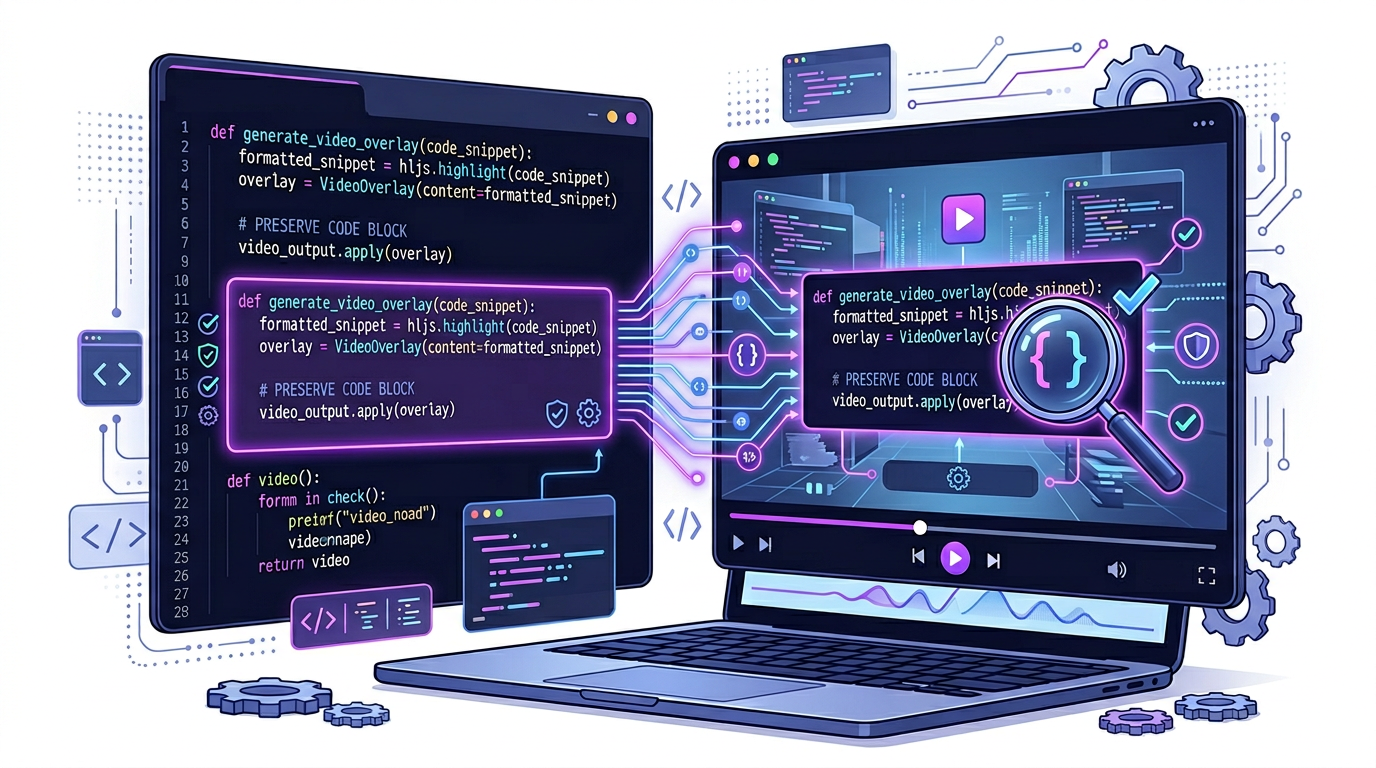
If the code matters in the article, it still has to matter in the video
Most technical videos get weaker when the examples disappear. The better workflow keeps them visible and useful.
Code is not decorative
In technical content, the code example often carries the explanation. Remove it and the video turns into vague commentary. That is why code preservation is not a design preference. It is part of the educational integrity of the content.
Developers trust specifics. If the original article proves its point through code, then the video has to preserve the parts of the snippet that actually make the lesson understandable.
Prioritize readability over motion
A useful technical scene makes the example understandable first. Fancy motion should never obscure the actual lesson. Pacing, typography, framing, and contrast matter more than visual flair when code needs to be read rather than merely recognized.
In practice, that means fewer lines on screen, careful zooming, and intentional highlighting. Motion should direct attention, not compete with it.
- Show only the lines relevant to the current explanation.
- Use stable framing long enough for the viewer to parse the code.
- Highlight deltas, function names, or returned output instead of the whole block.
Use the format to clarify, not to dilute
Good technical video uses pacing, highlighting, and narration to make the snippet easier to follow than plain text, not less precise. The medium adds value when it helps viewers understand flow, order, and consequence.
This is especially powerful for walkthroughs, debugging explanations, and architecture tutorials where the relationship between code and output matters as much as the snippet itself.
Design scenes around proof
Technical audiences care about whether the explanation is real. Show the code, show the output, and show the connection between the two. That is the difference between a credible developer video and a generic AI summary.
If the scene cannot hold the evidence clearly, the scene needs redesign. It is better to simplify the layout than to sacrifice legibility.
How Blog2Video handles this
1. Paste your tutorial URL — Blog2Video reads the article, detects code blocks, and preserves them as distinct visual elements in the scene outline.
2. Use a dark template — Nightfall provides a dark background with clean typography so code snippets stay readable and feel native to developers.
3. Edit and export — Use the AI scene editor to adjust which code blocks appear and how narration walks through them, then publish.
Frequently Asked Questions
Who is this guide for around code snippet video preservation?
It is designed for written-first creators and teams who already have source material and want a repeatable path into video rather than a prompt-only workflow.
Does this help with technical tutorial publishing?
Yes. Each article is written to help you turn one content asset into multiple formats while keeping the original message intact.