Template how-to
Create custom branded video templates so quality scales with volume
Custom templates are what turn repeated video generation into a brand system. The goal is not styling each asset from scratch. It is making every output feel coherent, recognizable, and faster to produce.
Start with the repeatable parts of the brand
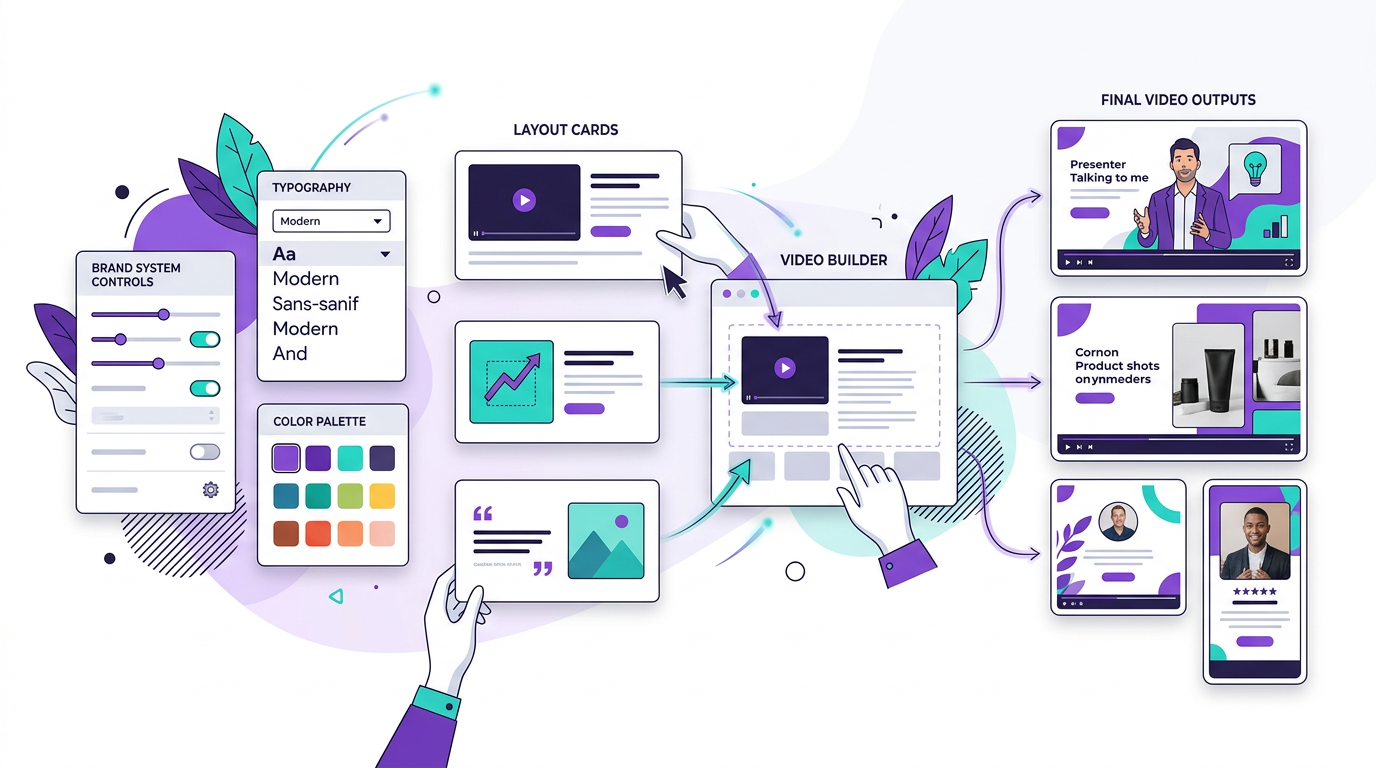
A good branded template begins with the elements that should stay stable across repeated output: typography, color palette, logo treatment, intro structure, lower thirds, CTA layout, and motion behavior.
These choices should make the brand feel consistent without making every video feel identical.
Match templates to content types
Most teams need more than one branded template. A technical explainer, a thought-leadership piece, and a product walkthrough may all need the same brand language but different scene behavior.
That is why template systems work best as families rather than one universal layout.
- Create one template family for instructional content.
- Create another for punchier distribution clips or shorts.
- Standardize recurring brand moments like title cards and CTAs across all of them.
Use templates to make programmatic output trustworthy
In a programmatic workflow, templates are not just design preferences. They are trust infrastructure. They ensure that repeated generation still feels intentional and on-brand even when volume increases.
Without that layer, automated output tends to drift visually and feel less credible over time.
Iterate templates like products, not one-off assets
The best template systems improve through repeated publishing. Watch which layouts retain attention, where scenes feel crowded, and what viewers recognize quickly. Then refine the template so every future video benefits.
That is what turns branding from decoration into publishing leverage.
How Blog2Video handles this
1. Open the template builder — Define your brand colors, fonts, border radius, and animation style to create a fully custom template.
2. Preview in real time — See how your brand system looks across different scene types: hero slides, content cards, stats, and more.
3. Apply everywhere — Use your custom template on any future video. Every piece of content inherits the same brand identity automatically.
Frequently Asked Questions
Who is this guide for around custom branded video templates?
It is designed for written-first creators and teams who already have source material and want a repeatable path into video rather than a prompt-only workflow.
Does this help with building repeatable brand systems for video?
Yes. Each article is written to help you turn one content asset into multiple formats while keeping the original message intact.