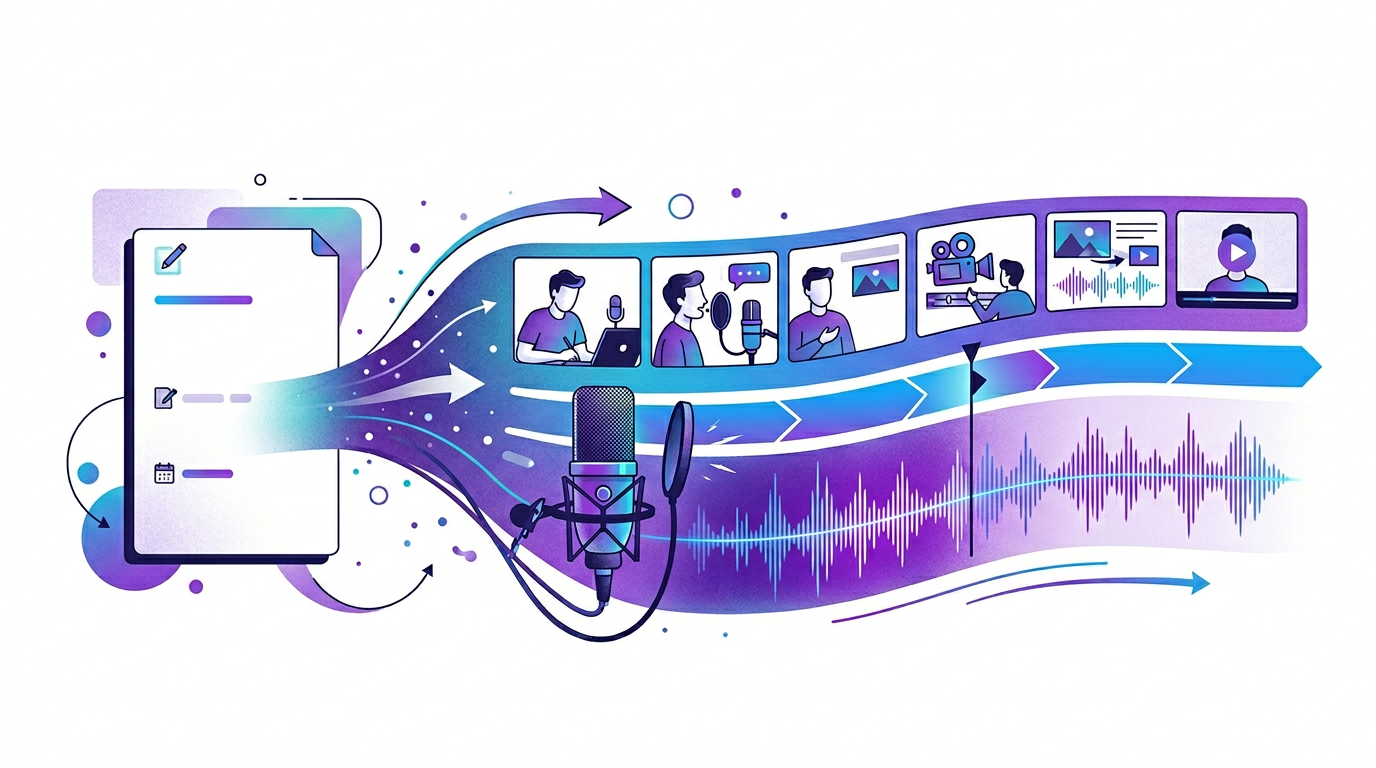
Narration workflow
A narrated video works best when the voice follows the article's logic
Narration should make a strong post easier to absorb, not flatten it into generic summary copy. The best workflow keeps the original structure visible and uses voice to guide the viewer through it.
Start with an article that already sounds clear
If the post is structurally messy, narration will expose that quickly. The cleanest narrated videos start from articles that already explain one idea clearly, use useful transitions, and move through a logical sequence without unnecessary detours.
That does not mean the article must be read word for word. It means the writing already contains the logic the narration should follow.
Write for listening, not just reading
A narrated video usually needs tighter sentence rhythm than an article. Readers can pause or skim. Listeners cannot. That means narration should use shorter transitions, cleaner emphasis, and fewer side explanations that slow the spoken flow.
The aim is not to remove substance. It is to make the same substance easier to process linearly.
- Lead with the core problem early.
- Shorten long clauses that work better on the page than out loud.
- Use visual scenes to carry detail that would otherwise clutter the narration.
Pair narration with proof on screen
Narration becomes stronger when the viewer can see the evidence at the same time. Quotes, screenshots, charts, code, and process diagrams all reduce the need for over-explaining in voice.
This is especially important for educational or technical content where the audience needs more than a pleasant voice. They need to understand what the narration is referring to at each moment.
Edit the voice track for intent
Whether you use AI voiceover or recorded narration, the last step is editorial. Pacing, emphasis, and scene changes should all support the original promise of the article.
A narrated video feels good when the viewer senses that the voice was chosen to clarify the content, not just to fill silence between visuals.
How Blog2Video handles this
1. Paste your blog URL — Blog2Video reads the article and generates a narration script that follows the original structure and tone.
2. Choose a voice — Pick from 100+ premium AI voices or clone your own. Preview how each voice sounds with your actual content before committing.
3. Generate the narrated video — The voice, visuals, and pacing come together in one render. Adjust any scene with the AI editor if needed.
Frequently Asked Questions
Who is this guide for around narrated video from blog post?
It is designed for written-first creators and teams who already have source material and want a repeatable path into video rather than a prompt-only workflow.
Does this help with turning written content into voice-led explainers?
Yes. Each article is written to help you turn one content asset into multiple formats while keeping the original message intact.