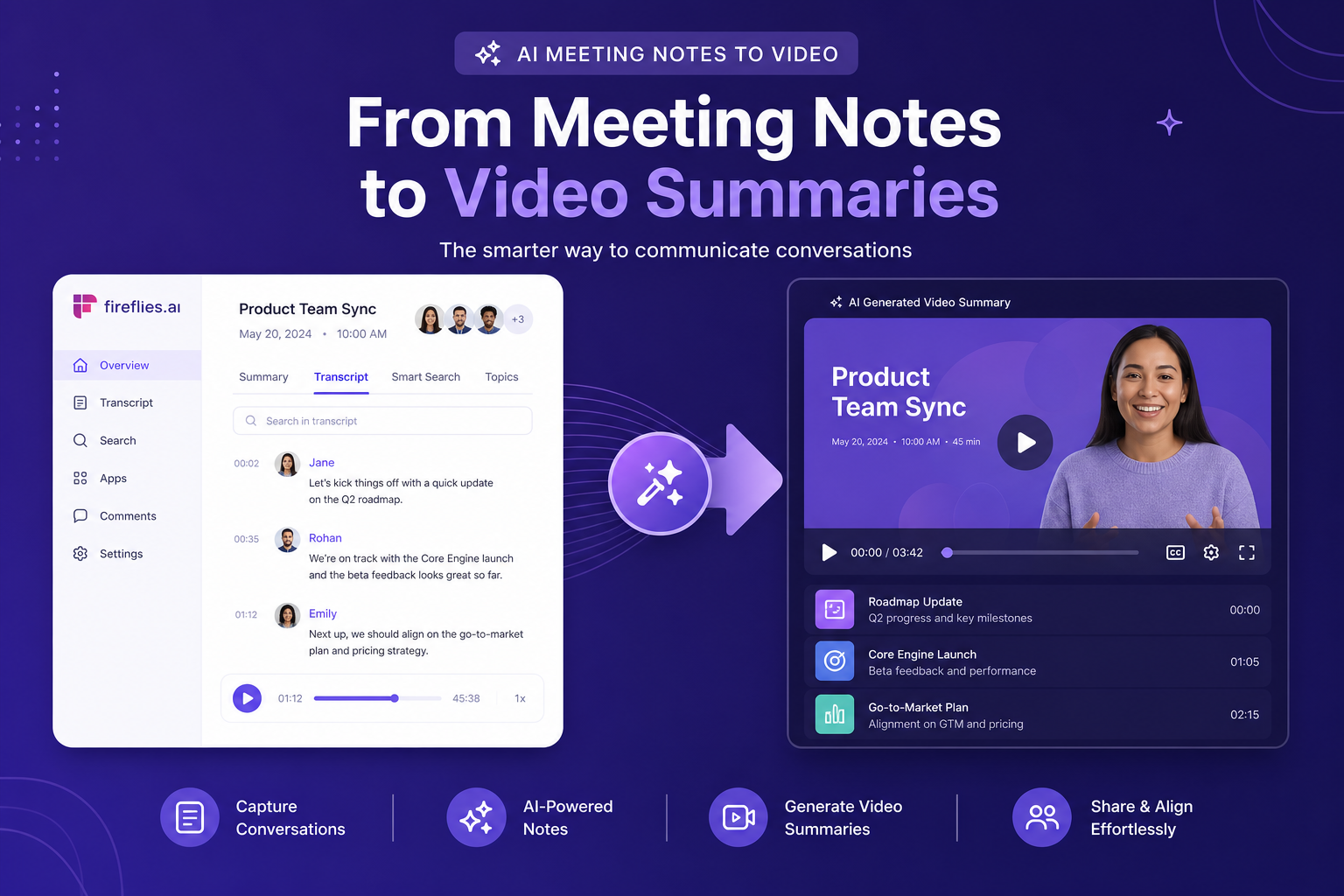
Meeting workflow
Fireflies.ai captures everything. Now make it watchable.
Fireflies.ai automatically transcribes and summarizes your meetings. That structured output is exactly what you need to create a tight summary video — without re-watching or re-editing the recording.
What Fireflies.ai gives you after a meeting
Fireflies.ai joins your calls as a bot and automatically generates a full transcript, a structured AI summary, and a list of action items. These outputs are available immediately after the meeting ends and can be accessed from the Fireflies dashboard or shared directly with your team.
The AI summary is particularly well-structured: it breaks the meeting into topic sections, captures key decisions, and pulls out follow-up items. That structure is ideal source material for a summary video — you don't need to do much work before it's ready to use.
Exporting the summary from Fireflies
In your Fireflies dashboard, open the meeting you want to convert. You can copy the AI-generated summary directly, or export the full transcript as a text or PDF file.
For video production, the AI summary works better than the raw transcript. It is already condensed and organized around topics rather than time codes. If you want more detail in specific sections, you can add context from the transcript before uploading.
- Open the meeting in the Fireflies dashboard
- Copy the AI summary or export the transcript as PDF or text
- Add any context that the summary compressed too aggressively
- Keep decisions, action items, data points, and key conclusions
Why the Fireflies summary structure makes great video source material
Most meeting transcripts are noisy — speaker labels, filler words, repeated questions, and tangents. Fireflies AI summaries strip that noise and leave behind a document that already reads like a well-organized brief.
That brief structure maps directly onto a scene-based video. Each topic section becomes a scene. Each key decision or action item becomes a bullet or callout. The video reflects the actual meeting outcome rather than its unedited transcript.
Generating the video
Upload the Fireflies summary document to Blog2Video. The system reads the structure, generates scene descriptions and narration, and builds a scene outline you can review.
For internal team updates or retrospectives, the Whiteboard or Geometric Explainer templates keep the tone collaborative and clear. For sales call summaries or client briefings, Nightfall or Newscast give the output a more authoritative feel.
Render the video, share the link in your Slack, email, or project tool, and let the team absorb the meeting in five minutes instead of fifty.
Frequently Asked Questions
Does Blog2Video work with Fireflies.ai transcripts?
Yes. Export the Fireflies transcript or AI summary as a PDF or text file and upload it to Blog2Video. The structured summary format converts into scenes cleanly.
Should I use the Fireflies AI summary or the full transcript?
The AI summary is usually better source material because it's already organized by topic and free of transcript noise. Use the full transcript if you need more detail in specific sections.
How long does the Fireflies summary need to be?
A typical Fireflies AI summary for a 30-to-60-minute meeting is already the right length — 300 to 700 words. That generates a three-to-five-minute summary video without further editing.
What template works best for meeting summary videos from Fireflies?
Whiteboard or Geometric Explainer for internal team content. Nightfall or Newscast for client-facing or leadership-level briefings.