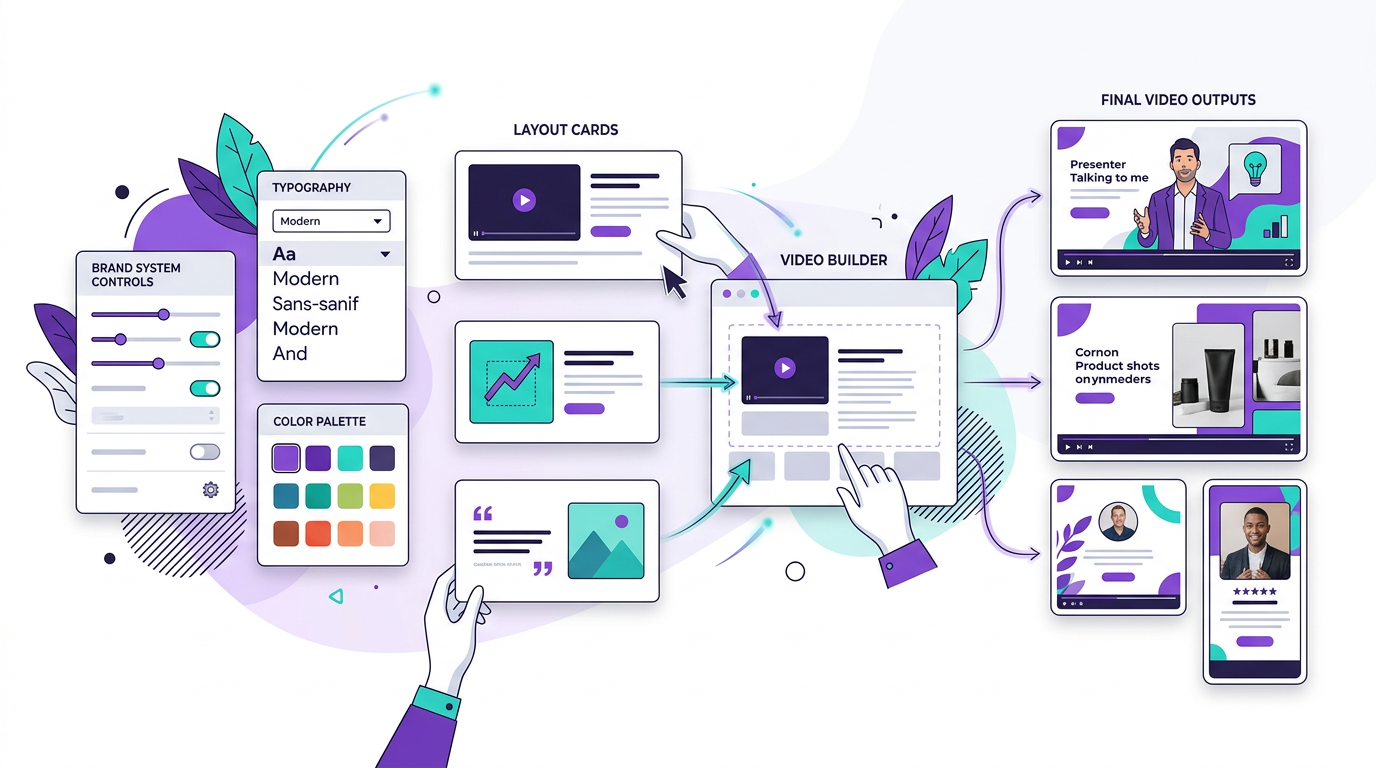
Custom Branded Templates
Paste your website URL. Get a video template that looks exactly like your brand.
Blog2Video now extracts your colors, fonts, and visual identity directly from your website. Every video you generate after that will look like it came from your design team — not a generic AI tool.
The branding problem with AI video tools
Most AI video tools give you templates that look polished but generic. They use their own color palettes, their own font choices, and their own animation styles. The videos are technically fine but they could have been made by anyone. When your audience watches, there is no signal that the video came from you.
Building a custom template from scratch requires a video editor, a designer, or both. Most teams do not have either sitting idle. So they ship generic templates and hope the content carries it.
Blog2Video's new custom template feature solves this without either option. Paste your website URL. The system reads your visual identity — your brand colors, your typography, your layout patterns — and generates a video template built around them. The output looks like your brand because it is derived directly from your brand.
How the website extraction works
When you paste your URL, Blog2Video fetches the page and analyzes the CSS and visual structure. It extracts your primary and secondary colors from your stylesheet, identifies the font families you use for headings and body text, and reads your spacing and layout conventions.
From those inputs, it builds a template with your color scheme applied to backgrounds, titles, and accent elements. Your fonts replace the default typefaces. The result is a template that follows your brand system without you having to manually configure anything.
Once the template is generated, you can review it in Template Studio before setting it as your default. If anything is off — a color that pulled incorrectly, a font that needs adjusting — you can refine it through the editor before committing.
- Color extraction: primary, secondary, and accent colors from your CSS
- Font extraction: heading and body font families matched to your site
- Layout conventions: spacing and visual rhythm from your design system
- Template Studio review: inspect and adjust before setting as default
Every video looks like your design team made it
The practical effect is consistency at scale. Once your branded template is set, every blog post you convert — whether it is one a week or fifty in bulk mode — comes out looking like it belongs to your content library. The same colors. The same fonts. The same visual identity your audience recognizes from your website and other content.
For content teams, this removes the manual branding step from every video production cycle. For agencies, it means delivering branded video to clients without custom design work on each project. For solo creators, it means your video content finally looks as considered as the rest of your brand.
- Consistent brand across every video you generate
- No manual template configuration per video
- Scales from one post to hundreds in bulk mode
- Same visual identity as your website, newsletter, and slides
Who this is for
Content teams that publish branded video alongside articles and newsletters will see the clearest benefit. The website extraction means brand guidelines do not need to be manually re-entered every time a new template is needed.
SEO agencies converting client blogs into video can generate a client-specific template from the client's URL during onboarding. Every deliverable after that is automatically on-brand without additional design overhead.
Indie creators who have invested in a recognizable visual identity — a custom site, a consistent color palette, a distinct font — can now bring that identity into video without learning a video editor.
- Content teams: enforce brand consistency without manual configuration
- SEO agencies: generate client-branded templates at onboarding
- Indie creators: bring your site's visual identity into video automatically
- Anyone already running Blog2Video: upgrade existing output to match your brand
Frequently Asked Questions
What does Blog2Video extract from my website?
It extracts your primary and secondary brand colors from your CSS, your heading and body font families, and your general layout conventions. These are used to build a video template that matches your visual identity.
Do I need design skills to use the custom template feature?
No. The extraction and template generation are automatic. If you want to refine the output, Template Studio gives you a visual editor — but the default result from extraction is usable without any adjustments.
Can I use this for client websites if I am an agency?
Yes. Paste the client's URL during project setup and Blog2Video generates a branded template for that client. Every video produced for that client uses the extracted template automatically.
What if my website uses a non-standard font that is not on Google Fonts?
Blog2Video identifies the font family name from your CSS. If it is a widely available font, it will render correctly in the template. For custom or licensed fonts that are not publicly available, the system uses the closest system fallback.
Can I create multiple branded templates for different brands or sub-brands?
Yes. You can generate separate templates from different URLs and switch between them per video or set a different default for different projects.