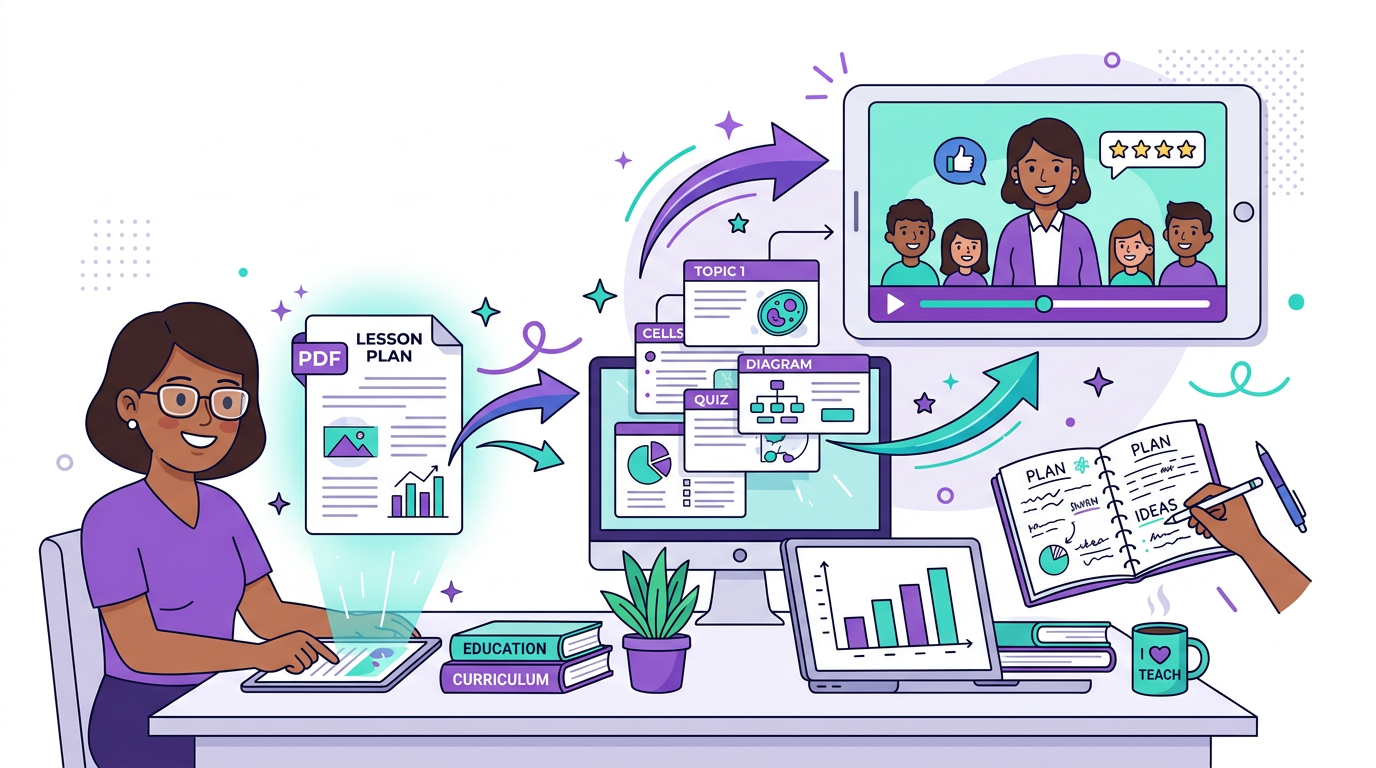
PDF to video
The fastest PDF-to-video workflow is usually a summary, not a full conversion
When the source document is dense, the best video does not try to show every page. It pulls out the main points, builds a clearer sequence, and turns the PDF into something people will actually watch.
Most PDFs need summarising before they need animating
PDFs often contain the right information in the wrong format for video. They are usually dense, static, and designed for reading at your own pace. A summary video works because it extracts the main teaching points, claims, or steps and rebuilds them into a more guided experience.
That makes summary videos especially useful for course notes, reports, onboarding documents, research explainers, and long internal guides where the full PDF is valuable but not easy to consume quickly.
Choose the ideas that deserve a scene
The goal is not to cover every page evenly. It is to identify the pages or sections that carry the argument, then turn those into a narrative flow. In practice that often means opening with the conclusion, grouping related pages together, and dropping low-value detail that only matters in the full document.
A good summary video should help a viewer understand the document faster and decide whether to go deeper. It is a bridge into the PDF, not a replacement for every line inside it.
- Start with the main takeaway, not the table of contents.
- Group repeated points into one clearer scene.
- Keep charts, diagrams, and frameworks that carry meaning.
- Leave dense reference detail in the PDF itself.
Why PDF summary videos work
A short summary video makes a document more usable across more contexts. It can introduce the material before a lesson, explain the key findings of a report, onboard a new team member, or help a busy reader decide what matters before opening the full file.
This is often a better use of video than full document narration because it respects how people actually consume information. Most viewers want orientation first, then depth if the topic matters to them.
How Blog2Video handles PDF-to-video summaries
1. Upload the PDF and let Blog2Video extract the structure and content blocks.
2. Choose a template built for clarity so the output feels instructional instead of overloaded.
3. Generate a concise narrated video, then refine the scenes to emphasize the strongest takeaways before exporting.
Frequently Asked Questions
Can I turn any PDF into a summary video?
Usually yes, as long as the PDF has readable text or a clear structure. Reports, lesson notes, handouts, and slide exports are especially strong candidates.
Should a PDF summary video cover every page?
Usually no. Summary videos are more effective when they focus on the main claims, steps, or lessons instead of trying to narrate the entire document evenly.
Who uses PDF summary videos most often?
Educators, trainers, researchers, consultants, and internal knowledge teams are the most common users because they already have important material trapped in documents.
What is the difference between a PDF summary video and a full PDF-to-video conversion?
A summary video prioritizes the most important ideas and condenses them for faster understanding. A full conversion tries to preserve more of the original document in scene form.