AI workflow
Great ChatGPT answers shouldn't live and die in a browser tab.
If ChatGPT helped you think through a problem, draft a strategy, or break down a complex topic, that conversation is already a video script. Here's how to turn it into one.
The problem with great ChatGPT answers
ChatGPT regularly produces answers that are genuinely useful: detailed explanations, structured frameworks, step-by-step walkthroughs, and comparative analyses. The problem is that those answers stay locked inside a conversation thread that almost no one else will ever see.
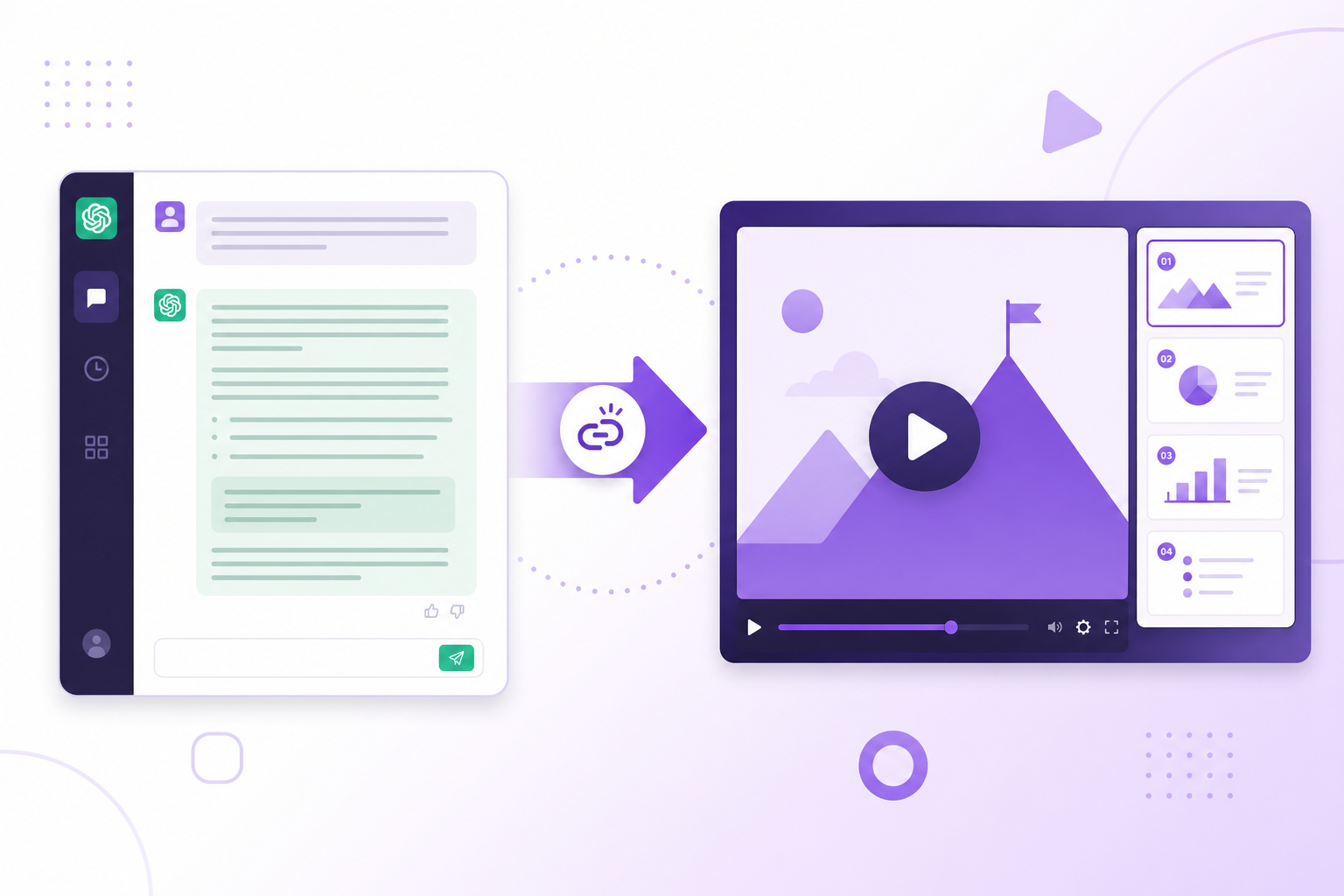
Converting a ChatGPT conversation to video solves that. Instead of starting from scratch or manually reformatting the content, you can take the structure that already exists in the chat and publish it as a shareable video.
Step 1: Share your ChatGPT conversation
ChatGPT conversations are private by default, so the first step is generating a public link.
Open the conversation in ChatGPT, click the Share button (the upload icon near the top of the chat), and choose 'Copy link.' That public URL is what you will paste into Blog2Video. The link can be revoked any time after you finish generating the video.
- Open your conversation at chatgpt.com
- Click the Share icon at the top of the thread
- Select 'Copy link' to get the public URL
Step 2: Paste the link into Blog2Video
Head to Blog2Video and paste your ChatGPT share link into the input. Blog2Video fetches the conversation, parses the thread, and structures the key insights, steps, and explanations into video-ready scenes.
No copy-pasting text, no manual outlining. The extraction happens automatically from the public URL.
Step 3: Choose a template and export
After Blog2Video generates scenes from the conversation, pick a visual template that fits the content tone. Technical answers work well with clean, minimal layouts; strategy and business content fits presentation-style templates.
Export as MP4 for YouTube or social video, PDF for a shareable slide deck, PowerPoint for editing, or PNG for individual carousel frames. One ChatGPT chat, multiple distribution formats.
Best ChatGPT chats to convert
The conversations that produce the highest-quality videos are ones where ChatGPT gave a thorough, well-organized response. Short one-liners rarely have enough substance; rich, multi-paragraph answers with internal structure are ideal.
- How-to guides and tutorials ChatGPT walked you through
- Research summaries and literature reviews
- Business strategy or decision frameworks
- Technical explanations of tools, concepts, or systems
- Comparison tables and pros-and-cons breakdowns
Try it
Share a ChatGPT conversation, copy the public link, and paste it into Blog2Video. The video generates in minutes.
Frequently Asked Questions
Do I need to share my ChatGPT conversation publicly to use Blog2Video?
Yes. ChatGPT conversations are private until you generate a share link. Click the Share icon inside the conversation and copy the public link — that is what Blog2Video reads. You can revoke the public link after your video is generated.
Will Blog2Video use my questions and ChatGPT's answers, or just one side?
Blog2Video reads the full conversation and structures the informative content into scenes. In practice, ChatGPT's detailed answers form the basis of the video content, though your questions provide context that helps determine the scene flow.
Can I convert a long ChatGPT conversation with many topics?
Yes, though longer conversations that span many unrelated topics work best when you focus on one thread or section. Blog2Video will extract the most structured content and you can trim or reorder scenes before exporting.
What formats can I download after converting a ChatGPT chat?
MP4 video, PDF slides, PowerPoint, and PNG frames. This means one ChatGPT conversation can produce a YouTube video, a LinkedIn carousel, and a shareable presentation from a single generation run.