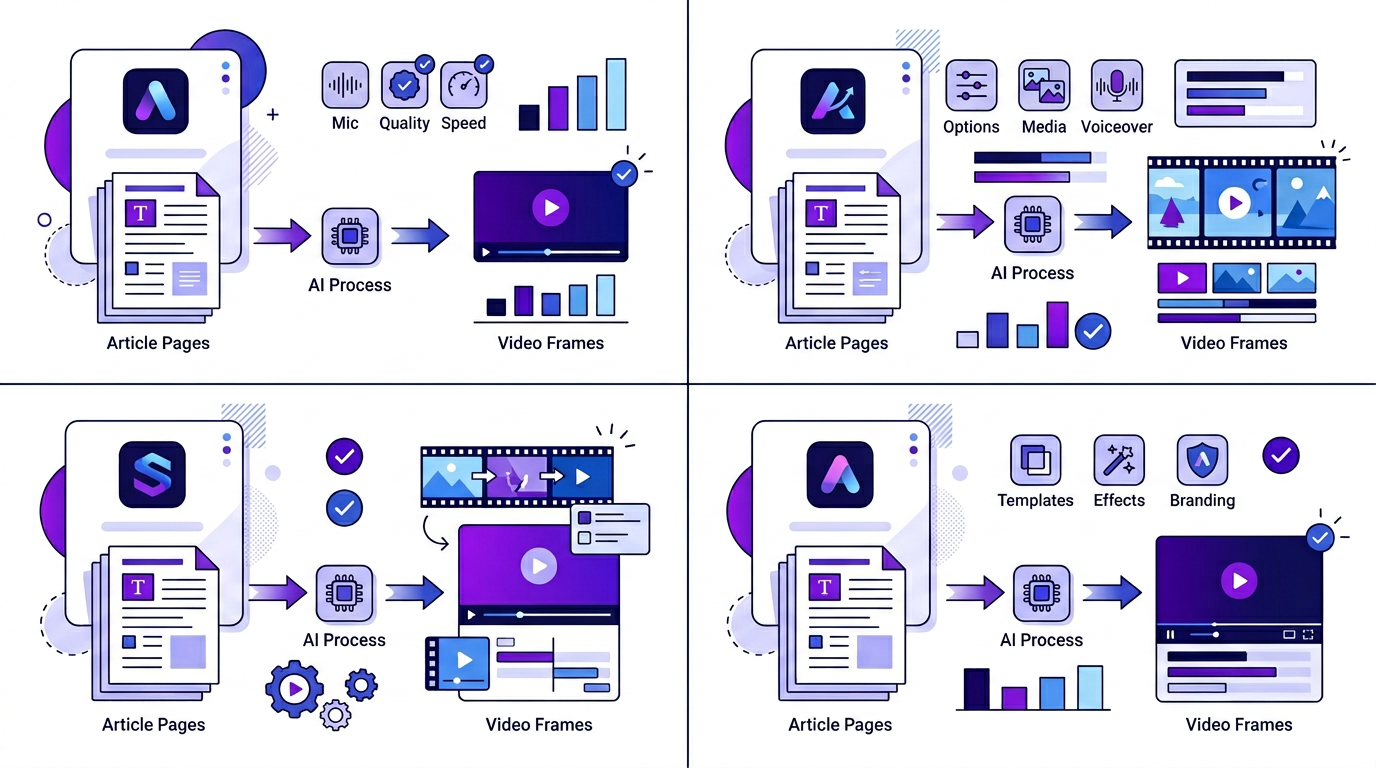
Blog2Video vs NotebookLM
NotebookLM is for learning. Blog2Video is for publishing. They are not the same thing.
Both tools take written content and turn it into audio or video. But the output goal is completely different — one helps you understand material, the other helps you distribute it under your own brand.
The core difference: learning vs publishing
NotebookLM is a research assistant. You feed it sources — PDFs, docs, articles — and it helps you understand them faster. The podcast-style audio summaries are great for absorbing information on a commute. The Q&A interface is useful for navigating dense material. Everything about NotebookLM is designed to help the reader learn.
Blog2Video is a content engine. You feed it a blog post or article URL and it generates a finished, branded video you can publish on YouTube, LinkedIn, or Instagram. Everything about Blog2Video is designed to help the creator distribute.
This is not a subtle difference. NotebookLM is optimized for simplicity of learning — the output is generic by design because the goal is comprehension, not brand identity. Blog2Video is optimized for consistency of publishing — the output needs to look and sound like you every time.
Your voice, not a generic AI voice
NotebookLM generates audio narration that sounds like a podcast between two neutral AI hosts. It is coherent and easy to follow, but it has no connection to your brand, your tone, or your voice.
Blog2Video lets you use ElevenLabs voices with a live preview before you commit to generation, or clone your own voice from a short audio sample. When your video goes out, it sounds like you — the same voice your audience recognizes from your other content.
For anyone building a brand around their content, generic narration is not acceptable at scale. Voice cloning means every video you generate sounds consistent with the last one, without you recording anything new.
- ElevenLabs library: preview any voice before generating
- Voice cloning: record a short sample, use it on every video
- Custom voice settings: consistent tone across every post you convert
Branded templates that look like your content, not a product demo
NotebookLM has no visual output. It produces audio. There is nothing to brand.
Blog2Video has a full template system. Templates like Nightfall, Geometric Explainer, Matrix, and Newspaper are already production-ready. Template Studio lets you use AI to customize any existing template or build one from scratch — adjusting colors, typography, layout, and animation to match your brand.
The v2 of branded templates takes this further: you will be able to generate a custom template directly from your own website or a PDF of your slide deck. The system extracts your visual identity and builds a template around it. Every video you generate after that will look like it was made specifically for your brand.
- Template Studio: customize or create templates with AI, no video editor experience needed
- Branded templates v2: upload your site or slides, get a template that matches your identity
- Use the same template for every post — consistent output across your whole archive
Control over script, music, and emotional tone
NotebookLM gives you almost no control over its output. You cannot edit the script it narrates, choose music, or adjust how the AI hosts sound — you get one fixed conversational style and that is the only option.
Blog2Video generates a first draft automatically, but you can take over at any point. Edit the script scene by scene before you render. Add a background music track and set its volume against the narration. On paid plans, you also get direct control over the ElevenLabs voice tuning — emotion, delivery speed, and tonal exaggeration — so a product walkthrough can sound calm and authoritative while a recap video sounds energetic.
This level of control is layered, not all-or-nothing: the free plan covers script edits, voice selection, and music so you can ship a finished video without paying anything. The fine-grained emotional tone controls are part of the paid plans, for teams that want to direct narration the way they would direct a voice actor.
- Per-scene script editing before you render
- Background music library with adjustable volume
- Emotion, delivery speed, and tonal exaggeration controls (paid plans)
Built so non-technical teams can run it, not just developers
NotebookLM's interface is a research tool — notebooks, sources, a chat panel. It assumes you are comfortable navigating a fairly technical workspace.
Blog2Video's interface is built for marketers, founders, and content teams who have never opened a video editor. Switching templates, changing the aspect ratio between landscape and portrait, swapping the voiceover, or rewriting a line of script are all single clicks in a visual picker — nothing requires touching a timeline or a code-style configuration screen.
That matters because the person who needs the video is often not the person who is technical. A non-technical marketer can take a finished draft, swap the template to match a new campaign, switch to portrait for Reels, and re-render without asking anyone for help.
One flow for every post: three steps, every time
NotebookLM requires you to upload documents, set up a notebook, wait for processing, and then interact with the interface to get what you need. It is a research session, not a production pipeline.
Blog2Video has one flow: paste a URL, pick your template and voice, hit generate. That is it. The same three steps work for a 500-word post and a 3,000-word technical guide. The tool handles the scripting, scene structure, narration, and timing.
This matters for teams that need to publish consistently. A three-step flow you can repeat every week without thinking about it is what makes video a sustainable part of a content strategy rather than an occasional experiment.
- Step 1: paste your blog URL (10 seconds)
- Step 2: select template and voice (20 seconds)
- Step 3: generate, review, export (under 2 minutes)
Bulk generation and the agency use case
NotebookLM is a single-document, single-session tool. There is no concept of processing multiple pieces of content in parallel.
Blog2Video supports bulk video generation — up to five videos at once from a single queue. For agencies managing clients across multiple blogs, or content teams working through a backlog, this changes the economics entirely. What would take a full day of individual generation runs in a single batch.
The bulk API is on the roadmap, which opens this further: agencies can plug Blog2Video into their own tools and trigger video generation programmatically as part of a broader content workflow.
- Bulk generation: up to 5 videos in a single run
- Suitable for agencies managing multiple client blogs
- API access planned: trigger generation from your own tools
- One person can cover the video layer across an entire editorial calendar
Where NotebookLM still wins
Neither tool is strictly better — they are built for different jobs, and NotebookLM is genuinely the better choice for some of them.
If you need to drop in dozens of sources — PDFs, Drive docs, websites, audio — and ask questions across all of them with citations back to the original text, that is NotebookLM's core strength, and Blog2Video does not attempt it. NotebookLM also generates mind maps and study guides for working through dense material, which has no equivalent in Blog2Video.
NotebookLM is also free and lives natively inside Google Drive and Workspace, so if your sources are already there and your goal is personal or team comprehension rather than publishing a branded video, it is the lower-friction choice.
- Multi-document research with cited Q&A across many sources
- Mind maps and study guides for learning dense material
- Free, with native Google Drive/Workspace integration
Frequently Asked Questions
Can NotebookLM produce videos I can publish?
No. NotebookLM produces audio summaries and text responses designed for learning and research. It does not generate publishable video with branding, narration, or visual scenes.
Does Blog2Video work for formats other than blog posts?
Yes. Blog2Video handles blog URLs, article URLs, PDFs, and DOCX files. Any written source with structure can be converted into a video.
How does voice cloning work in Blog2Video?
You record a short audio sample from within the voice settings page. Blog2Video uses ElevenLabs to create a cloned voice model that is then available for all future video generations.
What is Template Studio?
Template Studio is a visual editor inside Blog2Video where you can customize any existing template — colors, typography, layout, animation — or build a new one from scratch using AI. Templates you build in Template Studio are reusable across every post you convert.
Is Blog2Video useful if I only publish occasionally?
Yes. The three-step flow is fast enough that occasional publishers can add video to every post without it becoming a project. You do not need to commit to a high publishing cadence to get value from it.
Can I control the script, music, and emotional tone of the narration?
Yes. You can edit the generated script scene by scene, choose a background music track and set its volume, and select the voice on every plan. Fine-grained emotion, delivery speed, and tonal exaggeration controls for the voiceover are available on paid plans.
Do I need technical or video editing skills to use Blog2Video?
No. Templates, aspect ratio, voiceover, and script edits are all changed through a visual picker — there is no timeline or video editor to learn. The interface is built for marketers and content teams, not just developers.
Is NotebookLM ever the better choice over Blog2Video?
Yes, for a different job. NotebookLM is better when you need to research across many sources with cited Q&A, generate mind maps for studying, or work for free natively inside Google Drive. Blog2Video is better when the goal is a finished, branded, publishable video.