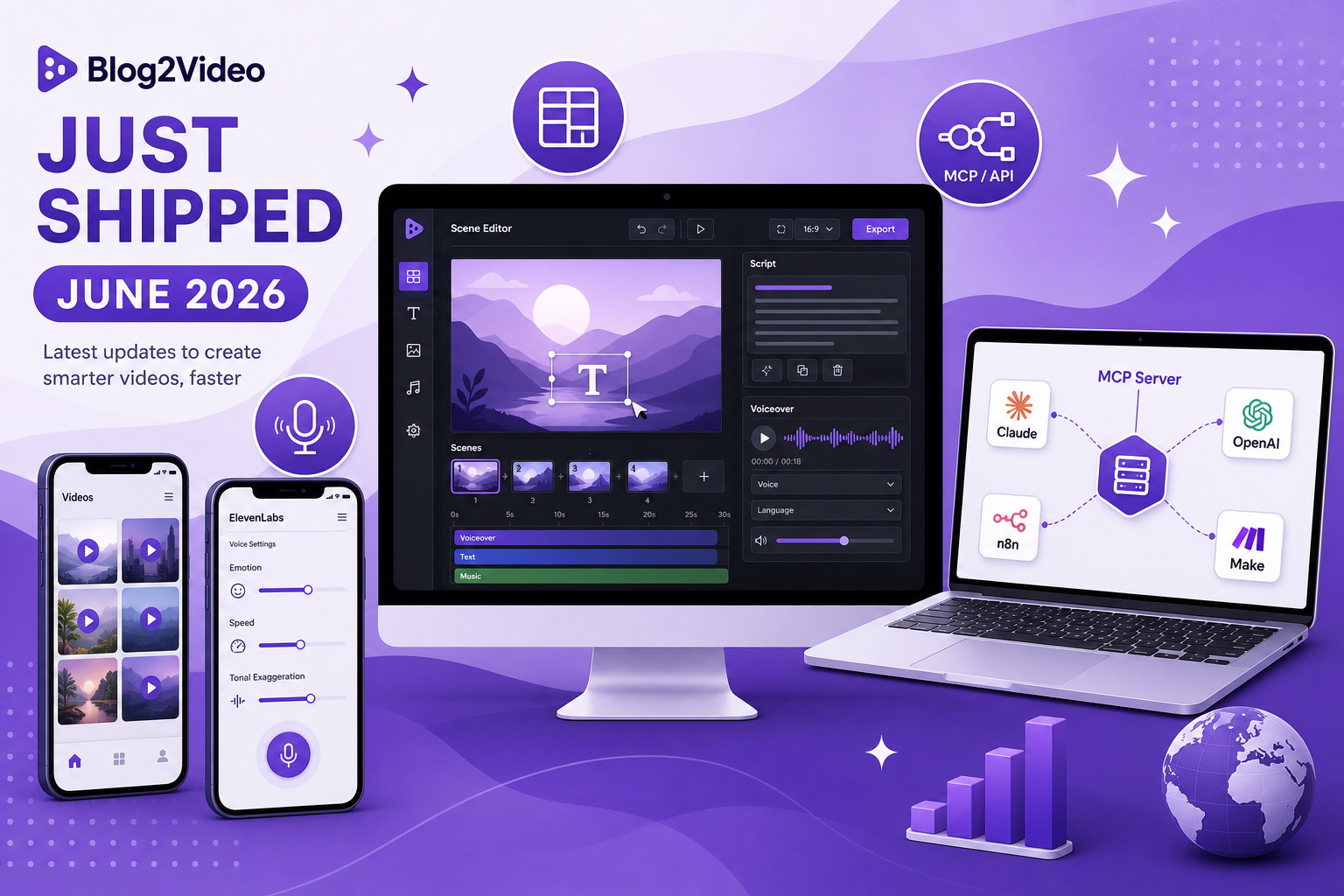
Product Update - June 2026
The biggest Blog2Video release yet is live.
An MCP server that connects Blog2Video to any AI agent, granular ElevenLabs voice controls, per-scene voiceover management, one-click script regeneration, and a fully redesigned scene editor — all shipped in one release.
800 daily users, 1,000 videos, and counting
Before the features: a quick look at where Blog2Video stands. 800 users create every day. 1,000 videos published. 120,000 scenes generated. 10,000 voiceovers added. 2,000 manual edits made.
Every feature in this release was shaped by watching how those numbers move and where the workflow breaks down. The goal is the same as always: paste a link, get a video — but faster, more controllable, and with less cleanup between draft and publish.
MCP server: automate Blog2Video from any AI agent
The single biggest unlock in this release is the Blog2Video MCP server.
MCP — Model Context Protocol — is how AI agents talk to tools. With the Blog2Video MCP server, you can connect Claude, OpenAI, Gemini CLI, n8n, or Make directly to Blog2Video and drive the full creation workflow from a single prompt. Describe the video you want, and the agent handles scenes, voiceover, and render end to end without you touching the product.
For teams running content pipelines, this means Blog2Video fits inside automated workflows rather than sitting outside them. One prompt. One finished video. No manual handoffs.
- Works with Claude, OpenAI, Gemini CLI, n8n, and Make
- Drives scenes, voiceover, and render from a single instruction
- Drop Blog2Video into any existing AI or automation pipeline
ElevenLabs voice control: emotion, speed, and tonal exaggeration
Voiceovers now sound exactly how you want them to.
The ElevenLabs integration now exposes three parameters directly in the Blog2Video interface: emotion, delivery speed, and tonal exaggeration. Pick the emotional register — calm, energetic, authoritative, warm — dial the pace to match your edit, and push or pull the expressiveness to fit how the script should land.
Generic AI narration sounds generic because it sits at the average of everything. These controls let you move away from the average and toward the voice your content actually needs.
- Choose the emotional tone of every voiceover
- Control delivery speed independently from script length
- Adjust tonal exaggeration through the ElevenLabs API directly
Add or delete a voiceover from any scene, any time
Not every scene needs narration. And sometimes you want to add one later, after you've already reviewed the edit.
You can now attach or remove a voiceover from any individual scene in any project without re-generating the whole video. Add narration to a scene you left silent. Remove it from one that works better without words. Change your mind three times if you want — there are no re-renders required just because you updated a single track.
Script regeneration: rewrite any scene in a new direction
The first draft is often close but not quite right. Maybe the tone is off, the angle is too broad, or the hook isn't landing the way the rest of the script does.
Script regeneration lets you give the scene a new direction — change the tone, sharpen the angle, reframe the message — and Blog2Video rewrites it on the spot. No export, no copy-paste into another tool, no starting over. Just a direction and a new draft in seconds.
Redesigned scene editor: cleaner, faster, better
The scene editor is where most of the editing time actually goes. This release ships a full redesign: cleaner layout, better-organized controls, and a faster interaction model so the work between first draft and final cut is shorter.
It now feels like it was designed for editing rather than assembled incrementally. If you have been in the old editor often, the new one will feel immediately different.
Everything is live now
Every part of this release is already available on blog2video.app. Whether you want to wire Blog2Video into an AI pipeline, get precise with your voiceovers, or just spend less time in the editor — this is a strong moment to try it.
Made with love by Firebird Technologies.
Frequently Asked Questions
What is the Blog2Video MCP server?
The MCP server connects Blog2Video to AI agents like Claude, OpenAI, Gemini CLI, n8n, and Make. Once connected, you can instruct the agent to create a video and Blog2Video handles scenes, voiceover, and render automatically.
What ElevenLabs voice settings can I control?
You can set the emotional tone, delivery speed, and tonal exaggeration level for each voiceover, all directly inside Blog2Video via the ElevenLabs API.
Can I add or remove a voiceover after a project is created?
Yes. You can attach or remove a voiceover from any individual scene in any project at any time, without regenerating the whole video.
What is script regeneration?
Script regeneration lets you give a scene a new direction — a different tone, angle, or framing — and Blog2Video rewrites the script for that scene instantly.
What changed in the scene editor redesign?
The scene editor got a cleaner layout, better-organized controls, and a faster interaction model. The goal was to reduce the time between first draft and publishable video.