Template guide
The best explainer template depends on the shape of the idea
Template choice is not decoration. It is a communication decision that shapes how clearly the audience receives the message.
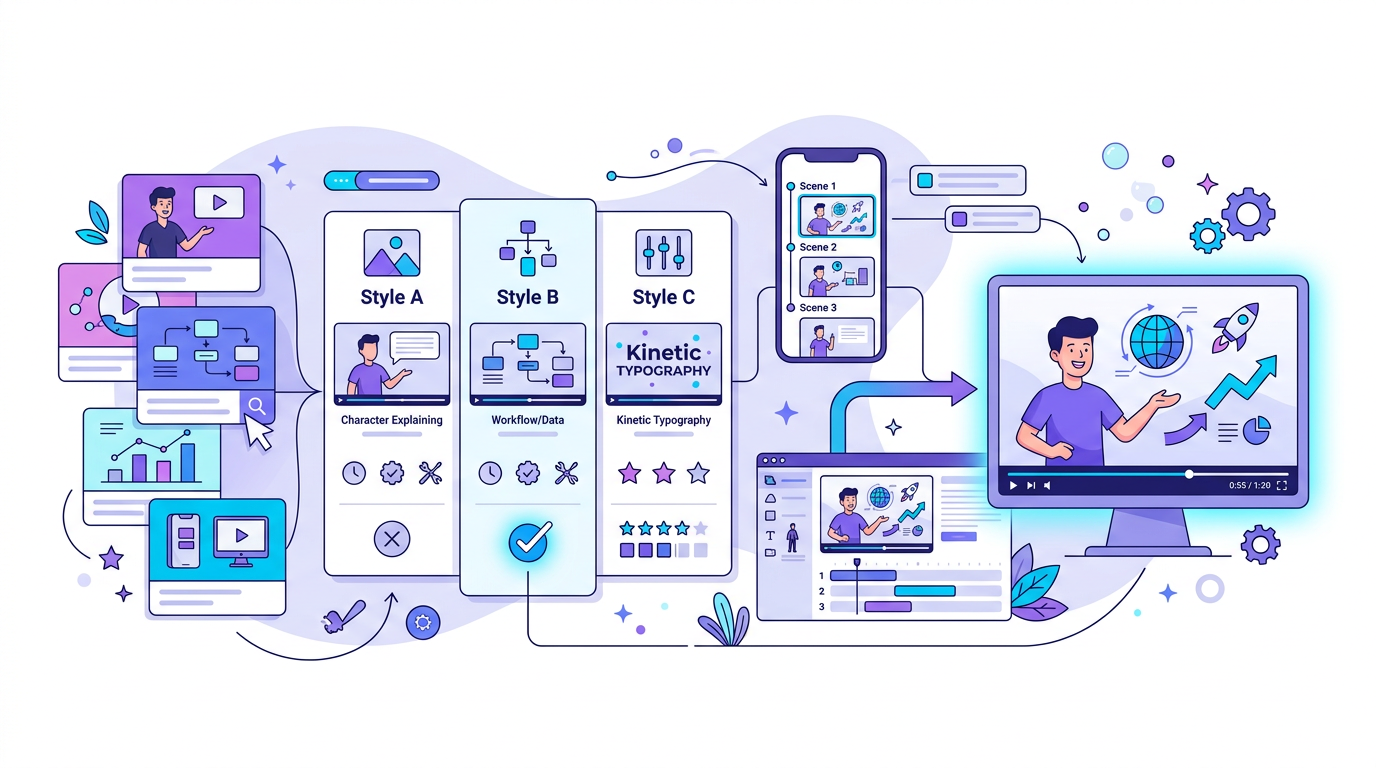
Match the template to the content
Comparison-heavy content benefits from grid layouts. Educational walkthroughs often work best with calmer instructional templates. Thought-leadership pieces may need a more cinematic or editorial tone. The content shape should drive the design choice, not the other way around.
A mismatch between message and layout usually shows up as confusion. The viewer can sense when the visual system is fighting the idea rather than helping it land.
Use templates to improve consistency
The more frequently you publish, the more valuable template choice becomes. It gives the audience a recognizable experience and protects quality at scale. A template is what turns a series of videos into a system rather than a set of isolated edits.
That consistency also helps teams work faster. Review gets easier, revisions get smaller, and the brand feels more coherent across formats.
- Pick template families that can flex across multiple content types.
- Standardize intros, lower thirds, and CTA scenes where possible.
- Use different templates for different intents, not just different aesthetics.
Treat the template as part of the brand
A template is a publishing system decision. It influences retention, clarity, and how recognizable your content feels over time. For many teams, the template is closer to a design system than to a one-off creative choice.
This is why template selection deserves strategic attention. The wrong one can make content feel generic, while the right one can make even repeated formats feel professional and distinct.
Choose based on the viewer's job to be done
Ask what the viewer needs from the video: quick comparison, calm instruction, narrative persuasion, or brand reassurance. Once you know the job, the best template becomes easier to identify.
That decision framework is more durable than trend-based design choices because it ties the visual format to communication outcomes.
How Blog2Video handles this
1. Paste your content — Blog2Video reads the article or document and generates a structured video outline automatically.
2. Browse templates — Switch between Nightfall, Spotlight, Whiteboard, or build a fully custom branded template. Preview each in real time.
3. Generate — Every template renders your content consistently. Change your mind later and re-render with a different template without losing your edits.
Frequently Asked Questions
Who is this guide for around explainer video templates?
It is designed for written-first creators and teams who already have source material and want a repeatable path into video rather than a prompt-only workflow.
Does this help with choosing the right template for each topic?
Yes. Each article is written to help you turn one content asset into multiple formats while keeping the original message intact.